
I spent the day as a visitor to the Minneapolis Area Synod Assembly. It was a special Assembly to elect a new bishop. I was a visitor because I am not yet rostered and I am not a voting member from the congregation. I’m still in no man’s land. It’s nice here in my little world 🙂
So, I was up in the nose bleed section with my iPad, of course, and decided to do a little sketch of the platform. This was done on Autodesk Sketchbook Pro.
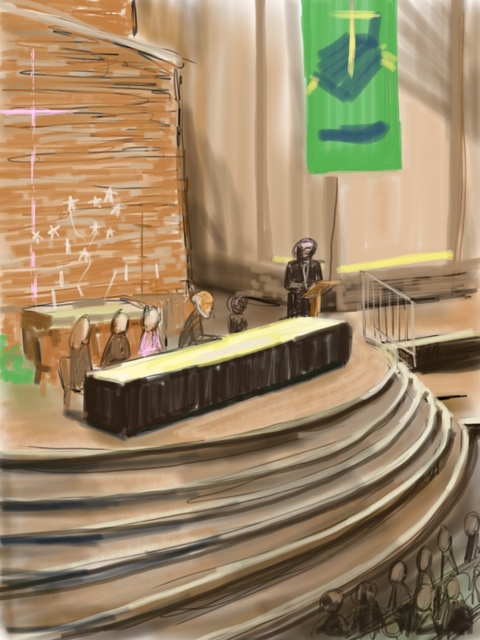


Steve, are you using lynda.com to learn Autodesk? The sketch has an interesting 2d as well as 3D effect- cool! John
No, I’m just making it up as I go. It is very similar to Corel Painter, which I’ve been using on my desktop for years. I used Lynda.com to learn that program…and everything else on the computer. Sketchbook is cool, but I miss not having pressure sensitivity. But for a tablet experience it is pretty satisfying.
We have a cintiq lab (on pcs) at the institute and we teach them photoshop, illustrator, painter and I think autodesk and maya on them. We used to put intuos 4 wacom pads in their kits, but we have stopped doing this to bring down the price. As it were, they have 2 intuos pens (an art pen and an airbrush) available at the bookstore for only $49.00 each. I could probably afford one of the pens, but not the pad. However, we can check them out, however, only overnight. I’m looking into buying an Inkling which just clips to a sketchbook and is pressure sensitive. It comes with an attached pen. They were only around $70.00 earlier in the year, but around Christmas, they went up to $190.00 and haven’t come down. Oh, and the lines you make are editable in illustrator and are algorythms. Have you used/heard of these?